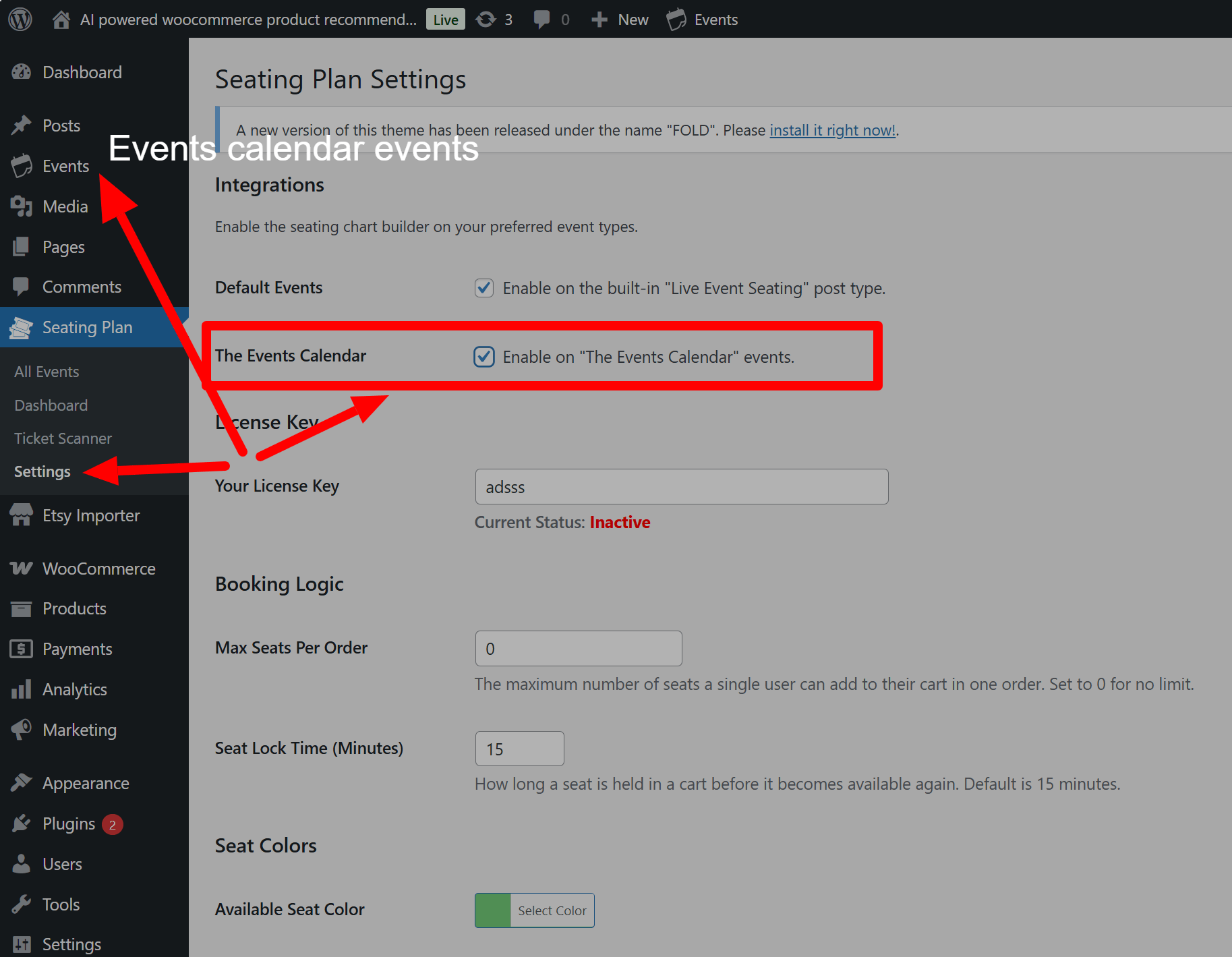
Do you love managing your events with The Events Calendar but wish you could easily sell reserved seats? Your wait is finally over. We are thrilled to announce that our Live Event Seating plugin now fully integrates with The Events Calendar, creating the powerful Events Calendar seating chart solution you’ve always wanted.
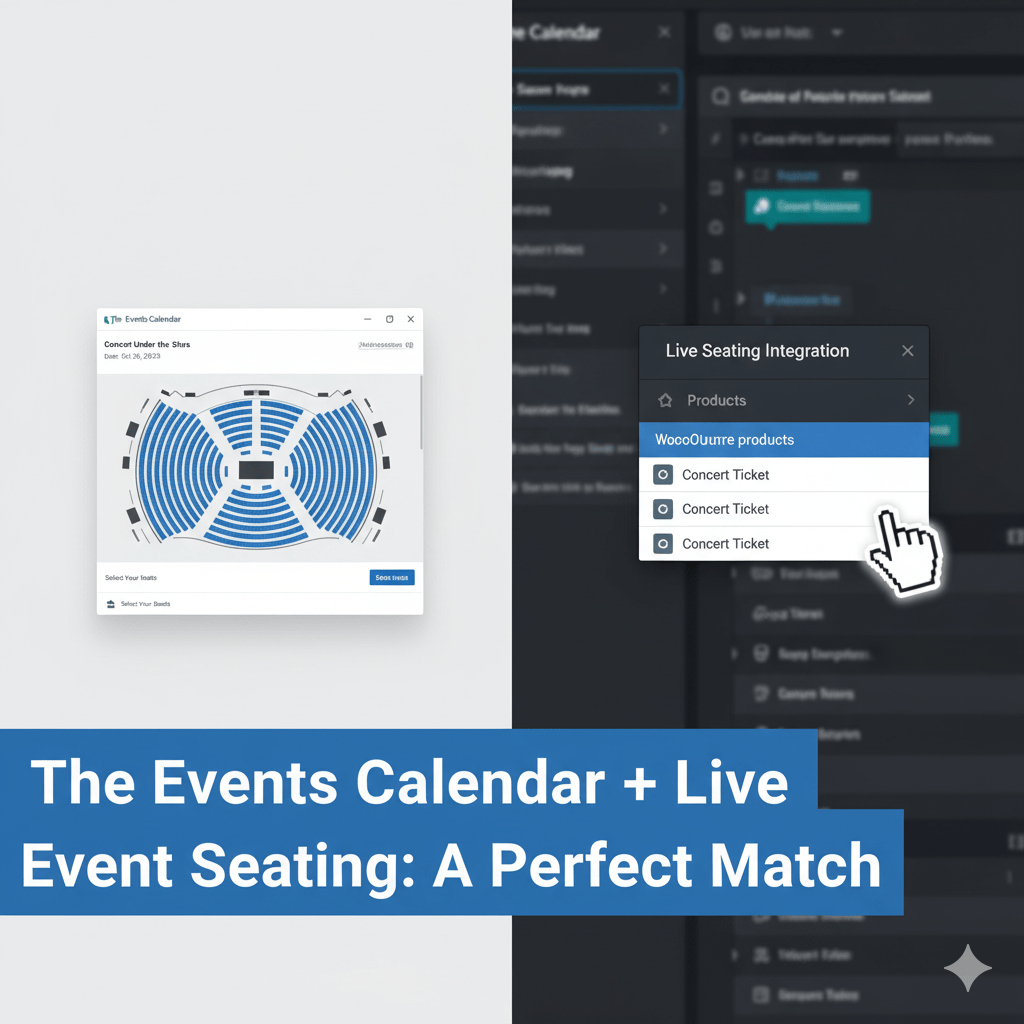
This new feature allows you to add our intuitive, visual seating plan builder directly into your existing workflow. Consequently, you can design beautiful, interactive layouts without ever leaving your event page. Best of all, it works directly with WooCommerce. You don’t need any other expensive ticketing add-ons. Let’s explore how this changes everything for your event management.
Why a Native Seating Chart for Events is a Game-Changer
Managing event details in one plugin and seating in another is inefficient. It creates room for error and slows you down. A native integration solves this. By bringing our builder directly into the The Events Calendar interface, we streamline your entire process from creation to sale.
Furthermore, this provides a seamless experience for your customers. They see your event details and the beautiful seating map on the same page, building trust and making the ticket-buying process smooth and intuitive. A great user experience is key to maximizing ticket sales. In fact, industry leaders like HubSpot emphasize that reducing customer effort is crucial for satisfaction. Our integration does exactly that by keeping everything in one place.

How to Create Your WordPress Seating Plan
Getting started is incredibly simple. We designed the integration to feel like a natural part of The Events Calendar.
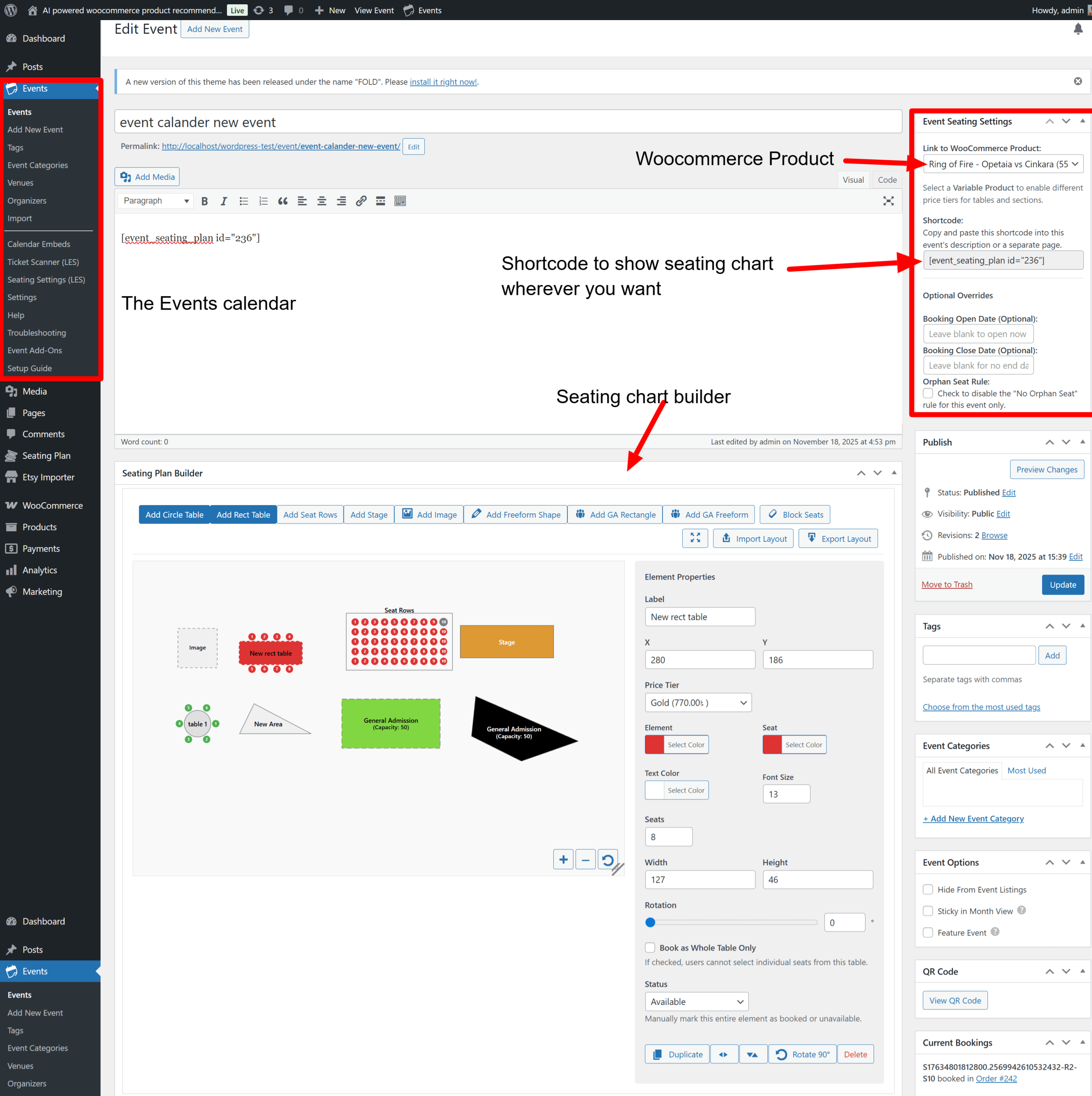
First, you’ll create a standard WooCommerce product to act as your ticket. For different price levels, you can simply use a Variable Product. Then, you just follow these steps:
- Create Your Event: Go to Events > Add New and set up your event details—date, time, and venue—just as you always do.
- Design Your Layout: Scroll down to the “Seating Plan Builder” and design your venue visually.
- Link Your Ticket: In the “Event Seating Settings” box, simply select the WooCommerce product you created from the dropdown.
That’s it! Our plugin intelligently pulls the date and venue from The Events Calendar to display on the chart and on the final ticket. You can learn more about all our features on our main features page .
Unlock Advanced Reserved Seating with WooCommerce
This integration is more than just a convenience; it unlocks powerful ticketing options. Because we connect directly to WooCommerce, you have complete control over your pricing.
Do you need different prices for the front row versus the balcony? No problem.
- Create a Variable Product in WooCommerce with attributes like “Tier” (e.g., VIP, Standard).
- Set a price for each variation.
- In our builder, click on any seat or section. The “Price Tier” dropdown in the inspector will automatically show your variations.
- Simply assign the correct tier to your seats.
This powerful combination gives you a complete WordPress event seating system without being locked into a proprietary ticketing platform.
Get Started with Your Integrated Seating Chart Today!
Stop compromising with general admission tickets when your venue needs reserved seating. Our new integration for The Events Calendar is the seamless, professional solution you’ve been looking for.
This feature is available right now for all users.
- New to Live Event Seating? Take a look at our pricing and plans (internal link) to get started.
- Already a customer? Update the plugin to the latest version and read the full step-by-step documentation here .
- Have any questions? Our team is here to help! Contact support and we’ll get you set up.