


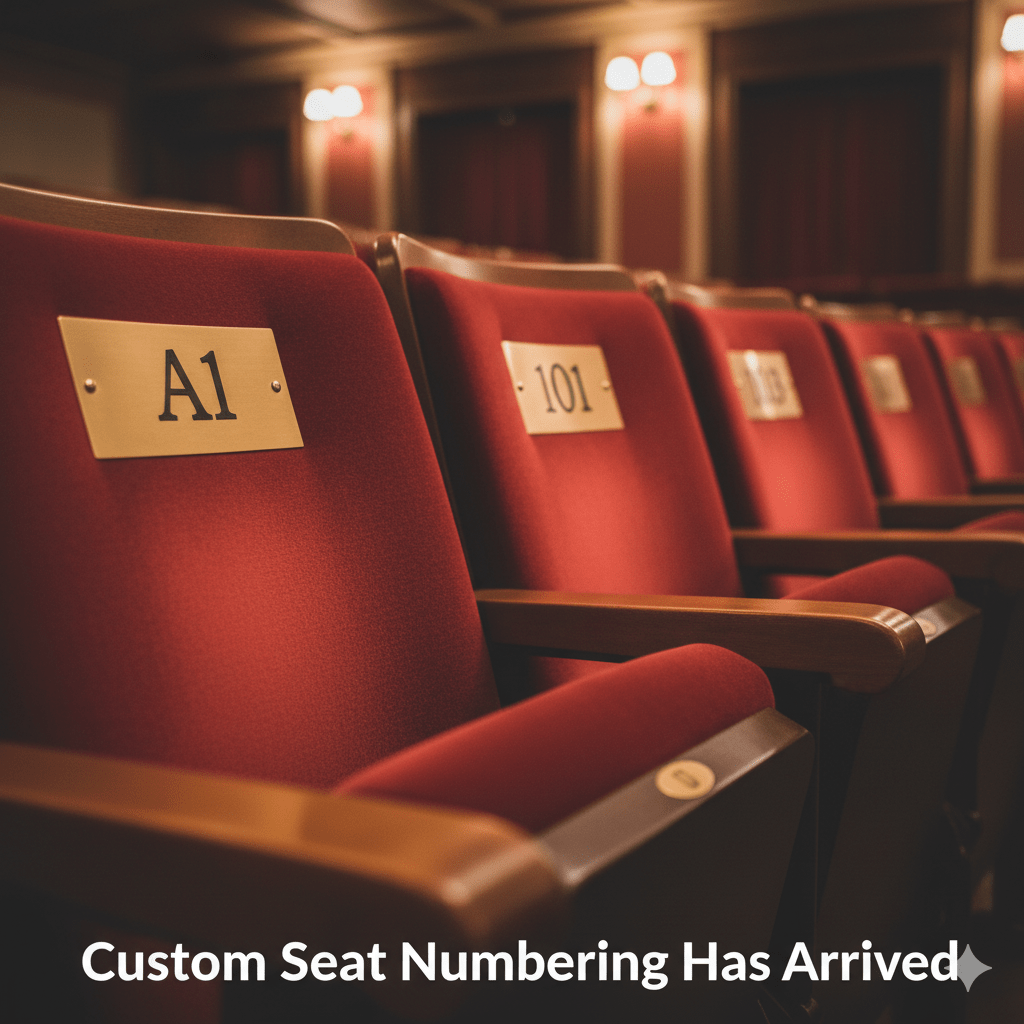
Custom seat numbering is what makes your WordPress seating chart match your physical venue’s real row and seat labels — and without it, you get confused guests standing in the aisle on event night. There’s a moment every organizer dreads: a guest staring at their ticket, staring at the row signs, staring back at their ticket.
“It says Row C, Seat 12 — but the signs here say Row 3…”
That confusion is avoidable. It happens when the online seating chart doesn’t match the physical venue’s signage — because the ticketing software forces a default 1, 2, 3 numbering scheme onto a venue that uses A, B, C rows, or starts seat numbers at 101, or skips certain numbers for removed seats.
The custom seat numbering system in Live Event Seating makes your online seating chart a precise digital twin of your physical venue — down to the exact row labels and seat numbers your signage uses.
Why Default Seat Numbering Breaks Real Venues
Most seating chart tools default to the simplest possible numbering: rows 1, 2, 3 and seats 1, 2, 3 within each row. This works for venues built from scratch with simple sequential numbering. It fails for:
Theaters with alphabetic rows: Standard theater convention uses A, B, C rows with numeric seats within each row. A chart showing “Row 1, Seat 5” when the physical seat says “Row A, Seat 5” creates confusion at every event.
Venues that skip numbers: Some venues skip row 13 (superstition), or skip certain seat numbers in a row because physical seats were removed. The online chart needs to reflect those gaps accurately.
Sections with non-standard start numbers: Arena sections where seats start at 201, 301, 401 — common in multi-level or multi-section venues. A chart that starts every section at “Seat 1” is useless for an attendee trying to navigate.
Venues that mix labeling styles: Upper balcony with alphabetic rows, stalls with numeric rows, VIP section with names — all in one building. Each section needs independent numbering configuration.
International conventions: Some European and South American theaters label seats right-to-left. Some venues label rows from the stage outward (Row A closest to stage) while others label from back to front. The plugin supports all orientations via the flip controls.
The Four Custom Numbering Controls
In the Live Event Seating builder, select any seat block or table element. The settings panel shows four numbering controls:
1. Seat Label Style
Choose how individual seats are labeled:
- Numeric — 1, 2, 3, 4… (default)
- Alphabetic (uppercase) — A, B, C, D…
This is the label displayed on each seat circle and shown in the seat tooltip and booking confirmation.
2. Seat Start At
Set where the sequence begins. Enter any positive integer:
1→ seats start at 1 (or A)5→ seats start at 5 (or E)101→ seats start at 101 (numeric only)
This is essential for sections where physical numbering doesn’t start at 1. A “Section 200” with seats numbered 201–240 would use Start At: 201.
3. Row Label Style
Independent of seat labels, choose how rows are labeled:
- Numeric — Row 1, Row 2, Row 3…
- Alphabetic (uppercase) — Row A, Row B, Row C…
This controls the row identifier in the seat’s full label (e.g. “Row A, Seat 5” vs “Row 1, Seat 5”).
4. Row Start At
Set where row numbering begins. If your theater’s first physical row is labeled “C” (because rows A and B were removed for the orchestra pit), set Row Start At to 3 (the numeric equivalent of C in alphabetic mode).
Practical Examples
Standard UK Theater
- Row Label Style: Alphabetic (A, B, C…)
- Row Start At: 1 (= Row A)
- Seat Label Style: Numeric (1, 2, 3…)
- Seat Start At: 1
- Result: “Row A, Seat 1” through “Row M, Seat 24”
Conference Center with Numbered Rows
- Row Label Style: Numeric
- Row Start At: 1
- Seat Label Style: Numeric
- Seat Start At: 1
- Result: “Row 1, Seat 1” — standard conference format
Arena Section Starting at Seat 201
- Row Label Style: Alphabetic
- Row Start At: 1
- Seat Label Style: Numeric
- Seat Start At: 201
- Result: “Row A, Seat 201” through “Row A, Seat 220”
Theater Where Rows Start at C (A and B Removed)
- Row Label Style: Alphabetic
- Row Start At: 3 (C is the 3rd letter)
- Seat Label Style: Numeric
- Seat Start At: 1
- Result: “Row C, Seat 1” — skipping A and B entirely
VIP Table with Alphabetic Seat Labels
- A round table configured with 8 seats
- Seat Label Style: Alphabetic
- Seat Start At: 1 (= Seat A)
- Result: Table seats labeled A through H — often used for premium gala tables where guests are assigned a lettered seat at their table
Where the Label Appears
Once configured, the custom numbering flows through the entire ticket journey:
- On the seating map: Each seat circle displays the correct label
- In the seat tooltip (hover): Full readable label (“Row C, Seat 12”)
- In the cart summary panel: “Row C, Seat 12 — £75”
- On the WooCommerce order: Line item description shows the human-readable seat
- In the booking confirmation email: Seat details match the physical venue
- On the QR ticket and PDF: The seat number printed matches what’s on the door signage
- In the Booking Manager: Search and filter use the correct labels
This means an attendee who books “Row A, Seat 4” sees “Row A, Seat 4” on every touchpoint: their confirmation email, their PDF ticket, and the information on the screen when their QR code is scanned at the door.
Mapping Your Physical Venue: A Practical Step
Before building your seating chart, spend 10 minutes with the physical floor plan or your existing printed seating map:
- Note the row labeling convention (numeric or alphabetic, and which number/letter the first row uses)
- Note whether seats start at 1 in each row, or at another number
- Note any rows or seats that are removed/killed (these can be individually disabled in the builder)
- Note any sections with independent numbering (e.g. balcony restarts at seat 1)
This 10-minute audit means your digital map exactly mirrors the physical layout from day one — and your attendees never stand in an aisle confused about which seat is theirs.
Your attendees will use your seating chart to find their seats on the night. Make sure the numbers on screen match the numbers on the chairs. Get Live Event Seating → Starting from $49.99/year · 14-day money-back guarantee · 0% per-ticket commission
Ready to Keep 100% of Your Ticket Sales?
The Live Event Seating Plugin integrates with WooCommerce, giving you a powerful seating chart builder with zero per-ticket fees.