


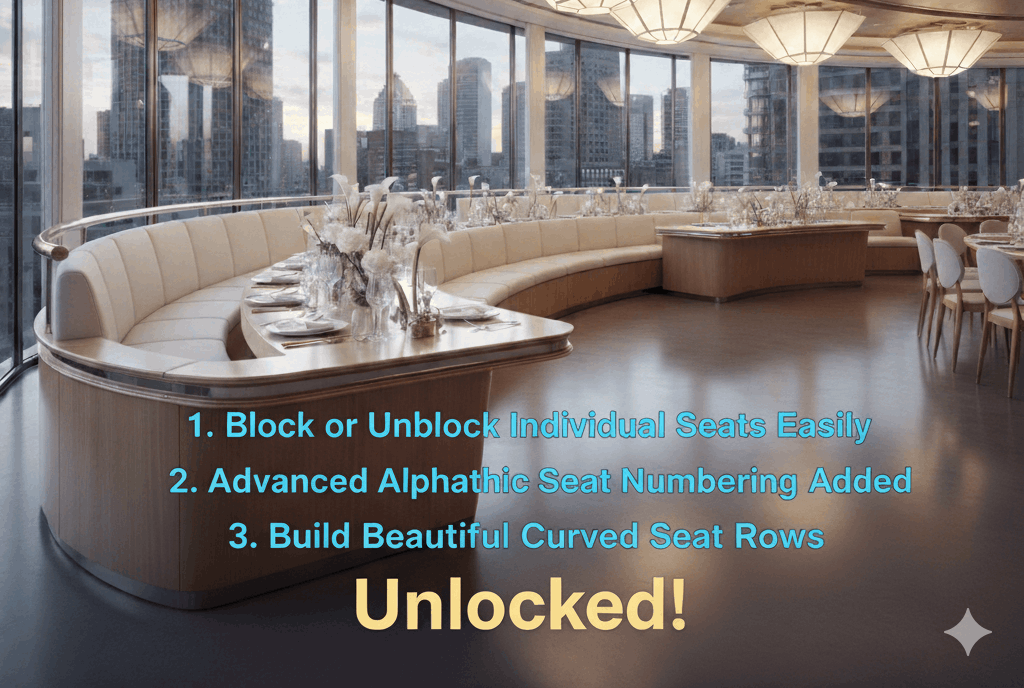
This WordPress seating chart plugin update moves three previously Pro-only features — curved seat rows, kill seats, and alphabetic seat numbering — into the Starter and Basic plans. If you’re on an existing Starter or Basic licence, update to the latest version to access them immediately. The rationale behind this WordPress seating chart plugin update is straightforward: curved rows, kill seats, and custom numbering are accuracy features, not premium features. A venue that needs curved rows needs them to make their map correct — locking accuracy behind a plan upgrade was the wrong call, and this update corrects it.
What Changed
Previously, curved seat rows, kill seats, and alphabetic seat numbering were locked to the Pro plan. Based on feedback from Starter and Basic users — primarily small theater operators and single-venue event organizers — we moved all three into the lower tiers.
The rationale: these features aren’t revenue-generating add-ons. They’re accuracy features. A venue that needs curved rows needs them to make their map correct, not to unlock premium functionality. Locking accuracy features behind a plan upgrade was the wrong call, and this update corrects it.
Feature 1: Curved Seat Rows (Now in Starter & Basic)
What it is: A slider in the seat block settings that bends a row of seats into an arc. Positive values curve the row away from you (concave, like theater stalls); negative values curve toward you.
Who needs it: Any venue where physical seating isn’t in straight lines — theaters, auditoriums, wedding venues with curved chair arrangements, outdoor amphitheaters.
How to use it: Select a seat block in the builder → find the “Curve” field in the settings panel → drag or type a degree value. The seats redraw in real time along the arc.
Before this update: Starter and Basic users had to use straight rows regardless of their physical venue layout, resulting in maps that didn’t accurately represent the real seating.
After this update: Any plan can now build curved rows that match their venue exactly.
Feature 2: Kill Seats (Now in Starter & Basic)
What it is: The ability to remove specific individual seats from a row without changing the row’s total configuration or numbering.
Who needs it: Any venue with obstructed-view seats, damaged chairs, seats removed for accessibility, or seats that need to be held back from public sale.
How to use it: In the builder, select the seat block → in the settings panel, find the “Killed Seats” section → click individual seat IDs to mark them as killed. They disappear from the frontend map but remain visible in the builder with a distinct indicator.
Practical use case: A 100-seat venue has seats 6 and 7 in Row B partially obstructed by a speaker stack. Killing those two seats removes them from public sale without reducing the row count or renumbering the surrounding seats. Buyers can’t select them. The map still shows the correct row structure.
Feature 3: Alphabetic Seat Numbering (Now in Starter & Basic)
What it is: The option to label seat rows and/or individual seats using letters (A, B, C…) rather than numbers (1, 2, 3…), with a configurable start point.
Who needs it: Theaters using alphabetic row labels, venues where standard convention uses letters, any event where the physical signage uses alpha labels.
How to use it: Select a seat block → set “Row Label Style” to Alphabetic and/or “Seat Label Style” to Alphabetic → set the “Start At” value if the sequence doesn’t begin at A/1.
Why it matters: If your physical venue says “Row A, Seat 4” on the chair and your online map says “Row 1, Seat 4,” buyers at the door are disoriented. Alphabetic labels match standard venue signage and prevent that confusion.
What’s Still Pro-Only
These features remain exclusive to the Pro plan:
- GA (General Admission) areas and capacity management
- Sections mode for large multi-zone venues
- Waitlist system
- Seat transfer (customer self-service)
- Group/bulk auto seat picker
- Seat & table add-ons (food, drinks, extras at checkout)
- Ticket template builder (custom PDF and email design)
- Events Manager integration
- Manual order tool (walk-in / phone booking admin panel)
- Unlimited websites
Already on Starter or Basic? Update now to access curved rows, kill seats, and alphabetic numbering. View all plans and features → Not yet a customer? Starter from $49.99/year · 14-day money-back guarantee
Ready to Keep 100% of Your Ticket Sales?
The Live Event Seating Plugin integrates with WooCommerce, giving you a powerful seating chart builder with zero per-ticket fees.