


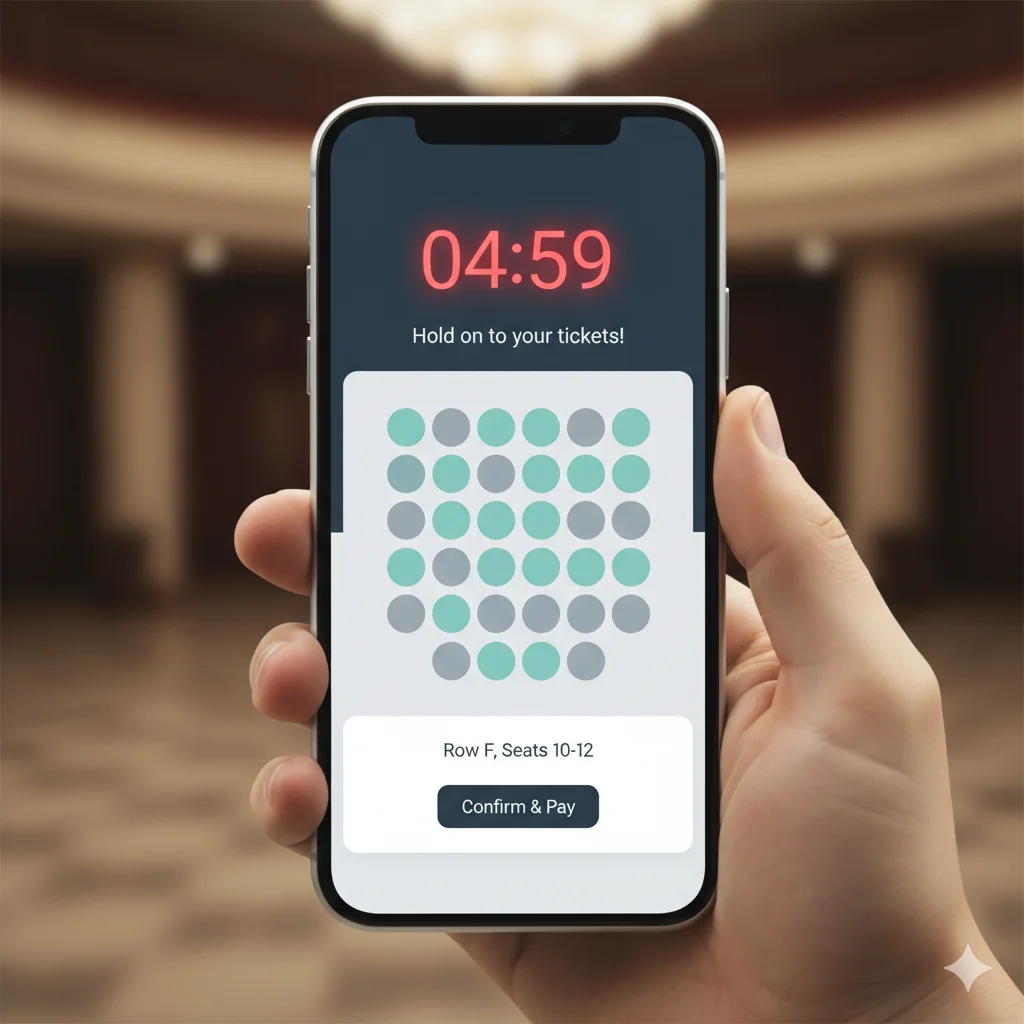
A WooCommerce seat lock timer solves a specific kind of event organizer nightmare — one that happens at 7:43pm on a Friday night, ten minutes after tickets go on sale for a popular show:
Two customers — one in Leeds, one in Bristol — both add Row B Seat 7 to their cart at almost exactly the same second. Both complete checkout. Both get order confirmation emails. Both show up on event day expecting to sit in Row B Seat 7.
Without a seat reservation system, this is not a hypothetical. It’s an inevitable outcome of selling tickets on any platform that doesn’t lock inventory at cart-add.
The WooCommerce seat lock timer in Live Event Seating prevents this at the infrastructure level — while simultaneously using the same mechanism to push hesitant buyers to complete their purchase faster.
The Double Booking Problem: Why It Happens and What It Costs
Most basic WooCommerce setups and many entry-level ticketing plugins only mark a seat as sold when the order is fully completed. The window between “add to cart” and “order confirmed” — anywhere from 2 minutes to 20 minutes depending on the buyer — is a vulnerability window.
During high-demand on-sales, multiple users can be at checkout with the same seat simultaneously. Whoever completes payment first gets the seat. The second person has paid for something that no longer exists.
The consequences:
- Mandatory refund — which your payment processor may charge a fee for
- Customer frustration — the experience is broken at the most critical moment
- Support burden — you now have an angry customer who needs an alternative seat found and a new ticket issued
- Reputational damage — a buyer who got double-booked will tell people
The seat lock timer closes this vulnerability window entirely.
How Seat Locking Works
The moment a customer adds a seat to their cart, Live Event Seating:
- Marks the seat as “in progress” — it appears as unavailable (greyed out) on the seating map for all other visitors immediately
- Starts a countdown clock — the timer is visible on the cart and checkout page
- Holds the seat exclusively — no other buyer can claim it while the timer is active
The seat is effectively yours — and only yours — for the duration of the timer. If you complete checkout before it expires, the seat is confirmed and permanently booked. If you abandon the cart or the timer expires, the seat is automatically released back to the public map.
This is the same “seat hold” model used by Ticketmaster, DICE, and every major ticketing platform. It’s now available for your self-hosted WordPress event site.
The Countdown Timer as a Conversion Tool
The seat lock exists to protect inventory integrity. The countdown timer is what turns that protection mechanism into a sales driver.
When a buyer sees a live clock counting down — “You have 12:43 to complete your purchase” — something shifts psychologically. The purchase stops being theoretical and becomes time-sensitive. The FOMO (Fear Of Missing Out) effect is well-documented in conversion optimization: scarcity and urgency are among the most reliable triggers for moving buyers from consideration to purchase.
Without a timer: Buyer adds tickets, gets distracted, comes back later, may or may not complete the purchase.
With a timer: Buyer adds tickets, sees the clock, finishes checkout. The visual pressure breaks the procrastination loop.
Event ticket sales — especially for popular or limited-capacity events — are one of the cleanest applications of this psychology because the scarcity is genuine. These seats really will be gone. The timer simply makes that reality visible.
Customizing the Timer for Your Event Type
Not every event has the same urgency profile, and the plugin gives you full control:
| Event Type | Recommended Timer | Why |
|---|---|---|
| High-demand concert, sold-out show | 5–10 minutes | Creates urgency; seat turnover is fast if abandoned |
| Corporate gala, dinner event | 20–30 minutes | Buyers may need to coordinate with colleagues before confirming |
| Conference, workshop | 15–20 minutes | Moderate urgency; buyers may be comparing options |
| Wedding venue booking | 30+ minutes | Complex booking; buyers need time to review details |
The timer duration is set once in your plugin settings and applies globally, with per-event overrides available if needed.
What Happens When the Timer Expires
The expiry behaviour is fully automated:
- The customer’s cart is cleared automatically
- The locked seats are released back to the public map in real time
- Other buyers browsing the chart will see the seats become available again immediately
- The original buyer sees a notification that their hold has expired
No manual intervention required. No ghost bookings left in your system. No permanent inventory loss from abandoned carts.
Live Map Updates Keep Everyone in Sync
The seat locking system works in tandem with Live Event Seating’s real-time availability polling. The frontend chart polls the server every 20 seconds for updated availability. This means:
- When one buyer locks a seat, other buyers currently viewing the chart see it turn unavailable within 20 seconds
- When a hold expires, other buyers see the seat become available again within 20 seconds
- High-traffic on-sales — where dozens of buyers may be on the chart simultaneously — stay synchronized without page refreshes
Available in All Plans
Seat locking and the countdown timer are included in all paid plans, including the Starter plan at $49.99/year. The timer duration is configurable from your plugin settings dashboard.
Protect your inventory. Accelerate your checkouts. Eliminate double bookings. The seat lock timer does all three automatically. Get Live Event Seating → Starting from $49.99/year · 14-day money-back guarantee · 0% per-ticket commission
Ready to Keep 100% of Your Ticket Sales?
The Live Event Seating Plugin integrates with WooCommerce, giving you a powerful seating chart builder with zero per-ticket fees.