


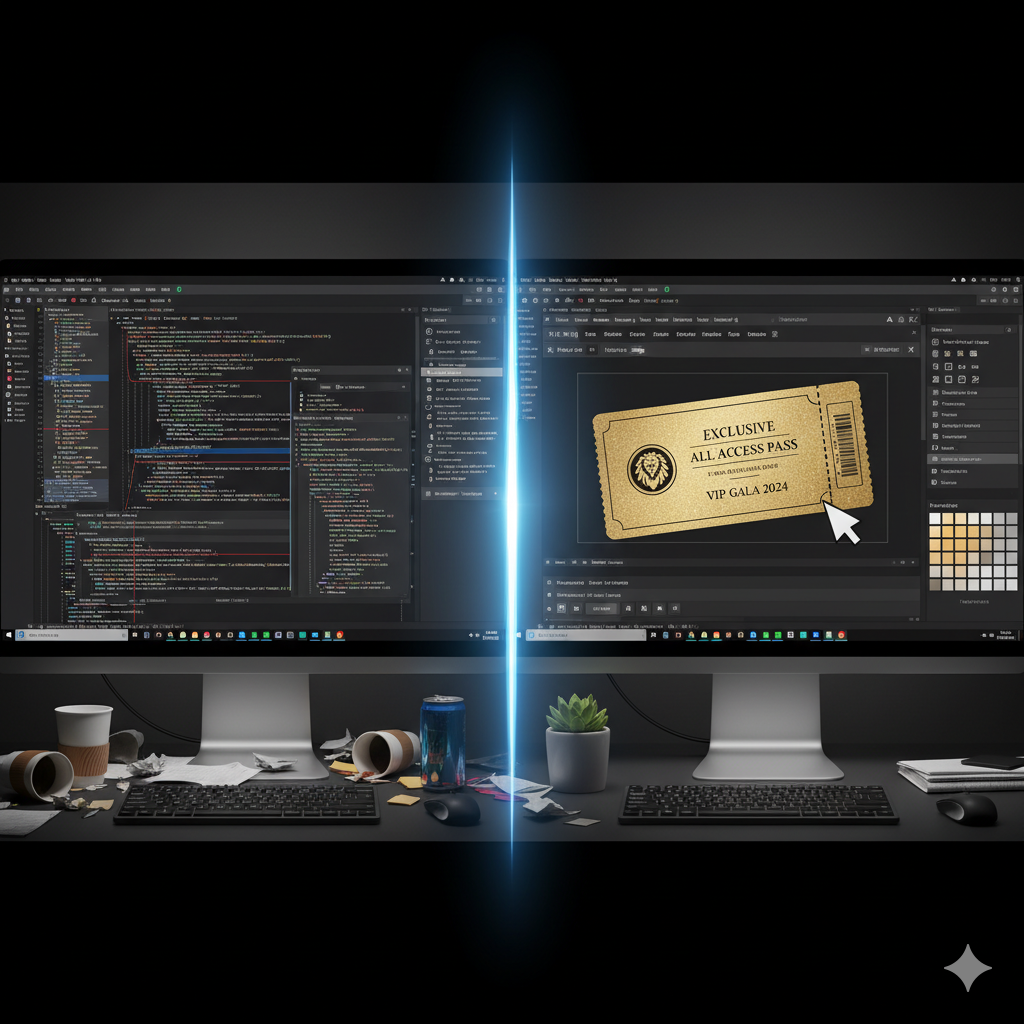
The drag-and-drop ticket builder in Live Event Seating gives you complete visual control over your event tickets — and that matters, because the ticket your buyer receives is a missed opportunity most WordPress event setups don’t take seriously. Your customers just paid $85 for a VIP table at your gala dinner. They’re excited. They open their order confirmation email and get… a generic WooCommerce email with a plain text ticket code and a black-and-white QR code on a white background.
That’s the experience most WordPress ticketing setups deliver in 2026. And it’s a missed opportunity at the single moment when your customer’s excitement is highest.
The drag-and-drop ticket builder in Live Event Seating gives you complete visual control over three separate ticket touchpoints — without writing a single line of PHP, HTML, or CSS.
The Problem with Default WooCommerce Ticket Designs
WooCommerce doesn’t have a native ticket design system. Plugins that add ticketing functionality typically solve this in one of three ways:
- Hard-coded HTML template — looks the same for everyone, locked behind theme files
- PHP template override — requires a developer to customise, breaks on plugin updates
- Third-party PDF API — adds monthly cost, requires an external account, can go offline
None of these options give a non-technical event organizer actual control over what their tickets look like without significant time or money investment.
Live Event Seating takes a completely different approach: a visual builder built directly into the plugin admin, with no external dependencies and no coding required.
Three Independent Design Surfaces
Most ticketing systems treat the ticket as a single object. Live Event Seating separates it into three independently customizable touchpoints, because each serves a different moment in the buyer’s journey:
1. The Thank-You Page Ticket
What the buyer sees immediately after completing payment. This is the highest-attention moment — the customer is looking at this screen right now, excited about their purchase. A well-designed thank-you ticket reinforces the quality of the event and reduces buyer’s remorse.
2. The Order Confirmation Email
What arrives in the buyer’s inbox minutes after purchase. This email gets saved, forwarded to friends, and reopened on event day. Your branding here needs to be clean, mobile-friendly, and clearly show the seat details and QR code.
3. The Downloadable PDF Receipt
A printable A4 ticket generated natively — no third-party API, no external service. Customers who prefer a physical ticket can print this at home. It contains the same QR code that your scanner reads at the door.
Each of these three templates is designed independently, so the email can have a different layout from the thank-you page, and the PDF can be optimized for print.
What You Can Add to Any Ticket Template
The builder uses a drag-and-drop grid system. You add rows, set column widths, and drop widgets into each column:
| Widget | What It Does |
|---|---|
| Logo | Your venue or event logo, with width control |
| Customer Info | Automatically pulls buyer name from the order |
| Event Date & Time | Pulls from your event meta, always accurate |
| Venue Name | Displays the configured venue for the event |
| Seat List | Auto-generates the itemized list of booked seats (e.g. “Row F, Seat 4”) |
| QR Code | The scannable master ticket code, sized as you choose |
| Custom Text | Add terms, refund policies, sponsor acknowledgments, or any text |
| Divider | Visual separator with color, thickness, and style control |
Every widget has alignment, font size, and color controls. Background colors can be set per-row, allowing you to create distinct header/body/footer sections.
Native PDF Generation — No Third-Party APIs
This is worth emphasizing because it directly affects your operating cost and reliability.
Many ticketing plugins that offer PDF tickets rely on external services — SaaS PDF APIs that require a monthly subscription, have usage limits, and can become unavailable if the service goes down or changes pricing.
Live Event Seating uses a bundled PDF generation library (Dompdf) that runs entirely on your server. When a customer completes checkout, the PDF is generated locally and attached to the WooCommerce confirmation email automatically. No external API calls. No monthly PDF generation fees. No outage risk.
The PDF uses DejaVu fonts (bundled with Dompdf) for broad character support, and supports both image loading (for your logo and QR code) and custom styling.
What the Build Process Looks Like
Building a ticket template takes about 15–20 minutes the first time, and you can save and reuse templates across events.
- Navigate to Seating Plan → Ticket Templates in your WordPress admin
- Choose which template to edit: Thank-You Page, Email, or PDF
- Add a row, set the number of columns and column widths
- Drag widgets into columns
- Adjust colors, font sizes, and alignment
- Preview and save
The preview renders with real data from a recent order so you can see exactly what the output will look like before making it live.
Why Ticket Design Matters for Premium Events
For a $15 GA ticket to a local comedy night, a plain text email is probably fine. For a $120-per-head charity gala, a $200 corporate table booking, or a $75 VIP concert seat, the ticket itself is part of the premium product.
Attendees for high-value events share their tickets. They screenshot them. They post them. A well-designed ticket that carries your venue’s brand is visible advertising at the exact moment your audience is most excited about your event.
A poorly designed ticket, conversely, signals that the production quality of the event might match the quality of the ticket — even if that’s not true.
Your ticket is the first physical piece of your event that a buyer holds. Make it look like it belongs to the event you’ve spent months planning. Get Live Event Seating → Starting from $49.99/year · 14-day money-back guarantee · 0% per-ticket commission
Ready to Keep 100% of Your Ticket Sales?
The Live Event Seating Plugin integrates with WooCommerce, giving you a powerful seating chart builder with zero per-ticket fees.