


Selling Recurring Event Tickets in WordPress Just Got a Lot Easier
If you run recurring events on your WordPress website, you already know the pain. You build a beautiful seating chart for your venue. Then the next show comes around and you rebuild it from scratch. Again.
This is exactly the problem that the new multi-date events feature in the Live Event Seating WordPress seating chart plugin solves. Furthermore, it does so without any extra plugins or complicated setup.
The Real Problem with Recurring Events on WordPress
You Waste Hours Rebuilding the Same Layout
Most WordPress ticketing setups treat every event date as a completely separate event. So if your theater runs a show every Friday for eight weeks, you create eight separate events. That means rebuilding the same seating chart eight times.
Each rebuild takes time. Moreover, it introduces errors. A table ends up in the wrong spot. A seat label gets changed by accident. Suddenly your digital chart no longer matches your physical venue.
Inventory Gets Messy and Confusing
When every date is a separate event, your WooCommerce orders scatter across dozens of product pages. Finding a specific booking becomes a chore. As a result, your team wastes time digging through orders instead of managing the actual event.
Customers Struggle to Pick the Right Date
Without multi-date support, customers often land on the wrong event page. They book the wrong night. Then you deal with refunds, rebooking requests, and frustrated attendees.
How Multi-Date Events Work in the WordPress Seating Chart Plugin
Build Once, Assign Many Dates
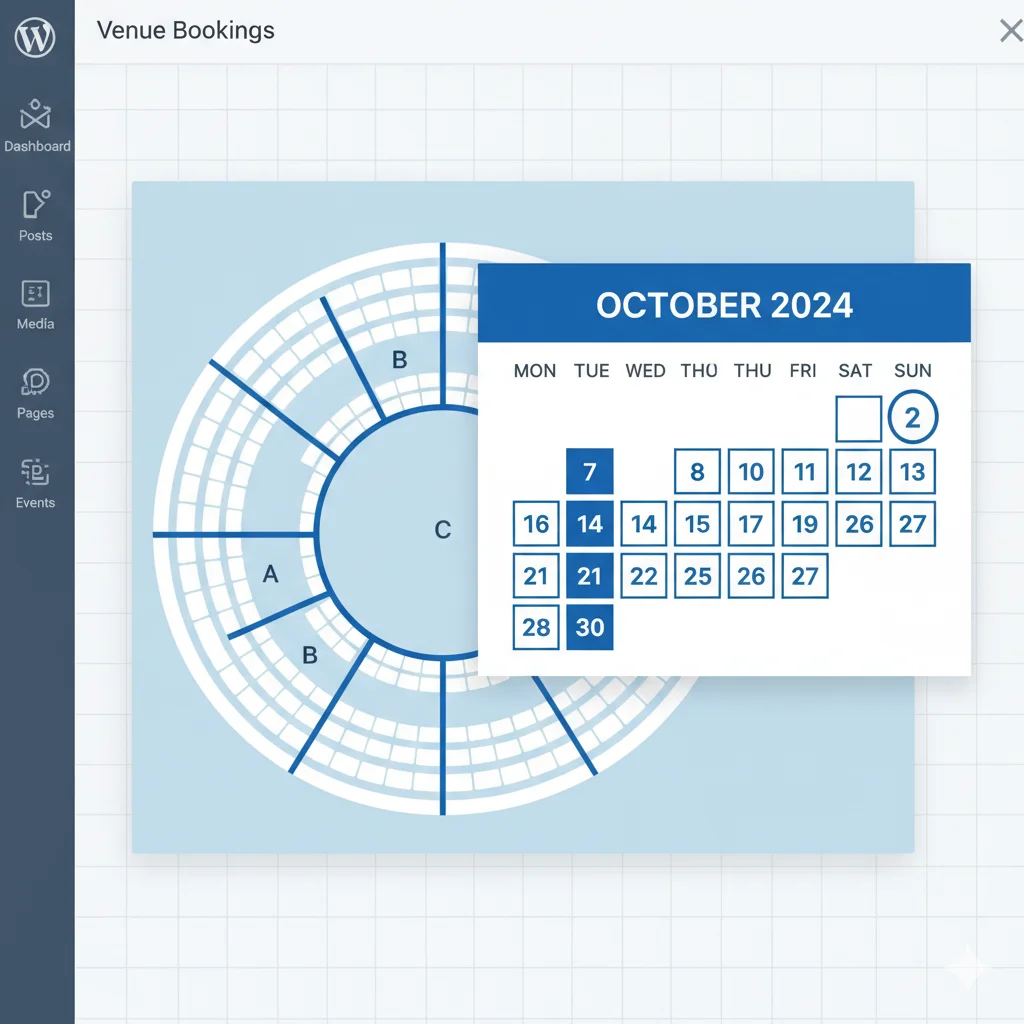
With the new multi-date event feature, you create your seating layout one time. Then you assign as many dates as you need to that single event. The plugin handles the rest automatically.
Each date runs its own independent seat inventory. So if a customer books Row A, Seat 3 for Friday, that seat stays fully available for Saturday. The two dates never interfere with each other. This recurring event feature is a game-changer for movie theaters and cinemas that need to sell tickets for multiple daily showtimes using the exact same seating chart.
Customers Choose Their Date at Booking
On the frontend, your customers see a clean date selector right on the booking page. They pick their preferred date first. Then the interactive seating map loads for that specific date — showing only the seats still available.
This makes the booking experience smooth and clear. Consequently, fewer customers land on the wrong date and fewer support requests land in your inbox.
Your Admin Stays Organized
All dates live under one single event record in your WordPress dashboard. Therefore, your WooCommerce orders, attendee lists, and seating data stay together in one place. Managing a multi-night run becomes as simple as managing a single event.
Who Needs Multi-Date Event Seating in WordPress
Theater and Performing Arts Venues
If you run weekly productions or seasonal shows, this feature saves you enormous amounts of time. Build your theater layout once and reuse it across every performance night.
Concert and Music Event Organizers
Many artists perform the same show across multiple nights. Now you can sell tickets for all of those nights from one single event page on your WordPress site.
Conference and Seminar Planners
Multi-day conferences often use the same room layout across several sessions. With multi-date support, you assign the same seating chart to each day without duplicating your work.
Restaurants and Banquet Halls
If you host recurring dinner events or seasonal seatings, this feature removes the biggest friction from your setup process. Set up your table layout once and simply pick the next date when you need it.
Multi-Date Events vs. Duplicate Layout — What Is the Difference
You may already know that the plugin includes a Duplicate Layout feature. That feature copies a layout from one event to another with two clicks. It is great for one-off use.
Multi-date events go further. They bind multiple dates to a single event record. As a result, everything — inventory, bookings, customer data — stays unified under one event. This is the better choice for regularly recurring events.
Frequently Asked Questions
Does each date track its own seat availability separately?
Yes. Every date has its own independent inventory. A seat booked for one date remains available on all other dates.
Can I add or remove dates after I publish the event?
Yes. You can update your date list at any time from the WordPress admin. Adding a new show date takes seconds.
Is multi-date event support available on all plans?
Multi-date support is a Pro feature. The Pro plan also includes QR code check-in, the waitlist system, seat transfer, group booking, and much more. Check the full list on the features page.
Does this work with The Events Calendar or Events Manager?
Yes. The Live Event Seating plugin integrates natively with both The Events Calendar and Events Manager. Multi-date support works within those integrations as well.
Stop Rebuilding Your Seating Chart for Every Show
Recurring events should not mean recurring setup work. With multi-date event support in the Live Event Seating plugin, you build your venue layout once and focus your energy on selling tickets — not rebuilding maps.
Furthermore, you keep 100% of your revenue. There are zero per-ticket commissions at any plan level. That alone makes the switch from platforms like Eventbrite worth it.
Read more tips and updates on the macmonir.net blog.
🎟️ Ready to Simplify Your Recurring Events?
One layout. Multiple dates. Zero rebuilding.
Get the Live Event Seating Plugin →
Comes with a 14-day money-back guarantee. No per-ticket fees. Full control over your venue.