


Do you struggle to view small details on phone screens? Mobile browsing is very popular today. However, small screens can make complex images hard to see. This is why smooth pinch to zoom is essential for your website. It allows visitors to explore maps, products, and diagrams easily.
If an image is static, users get frustrated. They might leave your site immediately. Therefore, responsive touch controls are vital. In this post, we will discuss why fluid zooming improves user experience. We will also look at how to implement it effectively.
Why Mobile Zoom Functionality Matters
Mobile screens are restrictive. There is limited space for detailed content. Consequently, users naturally use their fingers to expand images. They expect the content to react instantly. If you provide smooth pinch to zoom, you meet this expectation.
Furthermore, it reduces the bounce rate. Visitors stay longer when they can interact with content. It makes the website feel like a native app. This modern feel builds trust. It shows that you care about usability.
Static images on mobile are outdated. Users want control over what they view. Thus, enabling tactile zooming is a smart move for any site owner.
Best Use Cases for Fluid Zooming on Phones
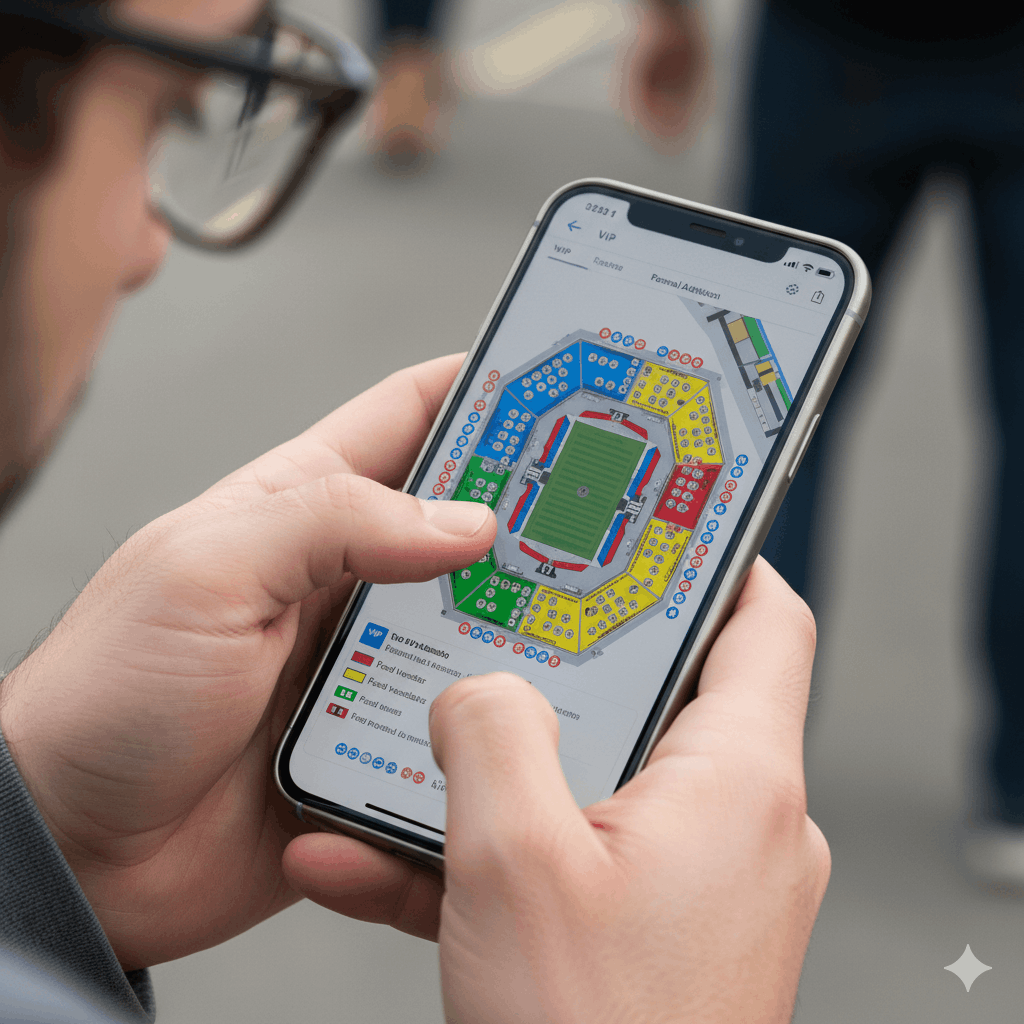
Not every image needs zooming. However, specific types of content require it. For example, selecting seat among lots of seats is crucial. But interaction is equally important for data-rich visuals.
1. Event Seating Charts
Selling tickets requires precision. Customers need to see the exact seat numbers. A smooth pinch to zoom feature lets them find their spot quickly. They can zoom in to check the row and zoom out to see the stage.
2. Large Maps and Floor Plans
Navigation relies on clarity. Large floor plans look tiny on a phone. With proper zooming, a user can traverse a virtual building easily. This explains how these gestures work technically.
3. Product Photography
Shoppers want to see textures. They want to inspect the quality. Zooming helps them make a buying decision.
Implementing High-Quality Image Magnification
You might think this feature requires complex coding. Fortunately, that is not the case. WordPress offers various solutions. You do not need to be a developer to add this function.
However, performance is key. The zooming must not lag. It must be buttery smooth. If the image creates friction, the experience fails. Therefore, you should choose a plugin that is lightweight.
The plugin should handle high-resolution images well. It needs to render details sharply as the user zooms deeper. This balance between speed and quality is necessary for success.
User Experience and Tactile Zoom Controls
Ultimately, your goal is a happy visitor. A frustrated user will not buy your product. They will not book a ticket. By adding smooth pinch to zoom, you remove barriers. You make the complex simple.
In addition, accessible design is important. Some users have visual impairments. Zooming helps them read text on diagrams. It makes your site inclusive for everyone. This attention to detail improves your overall SEO ranking. Google loves user-friendly sites.
So, are you ready to upgrade your mobile view?
Conclusion
Mobile traffic continues to grow. Your website must adapt to smaller screens. Offering smooth pinch to zoom is no longer optional. It is a standard requirement for maps and charts. It keeps users engaged and happy.
If you are looking for the perfect solution for event maps or diagrams, we have the answer.
Ready to take full control of your venue design?
You have two great options to get started today, both of which give you more control and profitability than third-party platforms. Your choice simply depends on the scale of your event.
Choose your path below and start creating your professional seating plan in minutes.