


Introducing Precision Layout Tools for Perfect Seating Charts
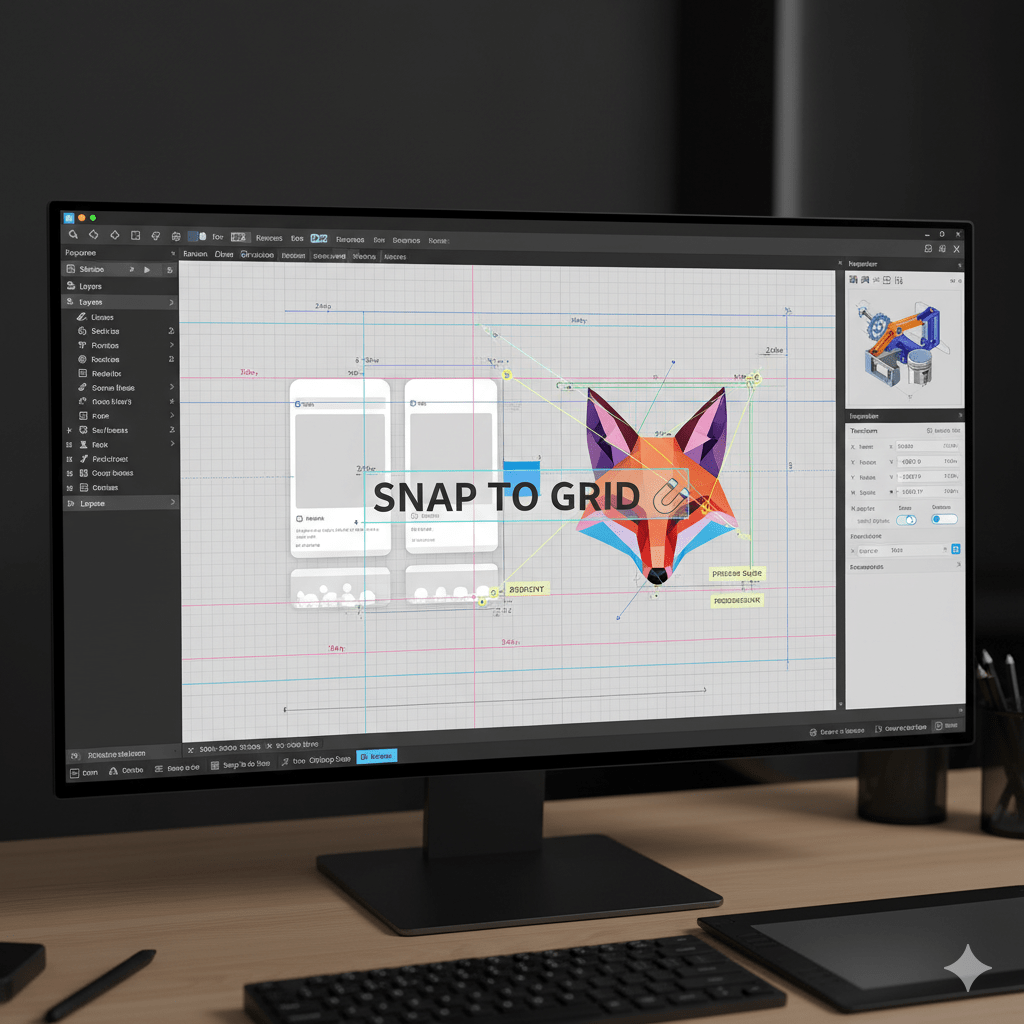
Designing a beautiful and accurate seating chart requires more than just creativity; it demands precision. For this reason, we are thrilled to announce a game-changing update to our Live Event Seating Chart plugin. We have added Precision Layout Tools, including a smart Snap-to-Grid feature and direct X/Y Coordinate controls. Consequently, you can now design your venue maps with architectural accuracy and perfect alignment, faster than ever before.
This update focuses on giving you complete control over your design process. Have you ever struggled to get tables perfectly in line? Or wished you could nudge an element by a single pixel? With these new tools, those frustrations are a thing of the past. Let’s explore how they will transform your workflow.
(Insert a beautiful and relatable featured image here. A good image would be a stylized screenshot showing the new snap lines and the inspector with X/Y coordinates highlighted.)
Align Elements Perfectly with the New Snap Feature
The first part of our Precision Layout Tools is the intuitive Snap Feature. This tool acts as a smart magnet, helping you align elements effortlessly. As you drag a table, a section, or a group of items across your canvas, you will feel a gentle “snap.” This happens when its edges or center point align perfectly with another object.
Furthermore, visual guides appear to show you exactly what you are aligning to. These dynamic lines make positioning incredibly intuitive. You no longer need to guess if your elements are lined up correctly. The builder does the hard work for you, ensuring a professional and symmetrical layout every time. This is especially useful for creating neat rows of tables or aligning sections with a stage.
Key benefits of the Snap Feature:
- Perfect Alignment: Easily align centers or edges of multiple objects.
- Visual Feedback: Dashed guide lines show you exactly what is snapping.
- Faster Workflow: Stop wasting time on minor adjustments and design layouts more quickly.
Gain Absolute Control with X/Y Coordinate Inputs
For users who demand ultimate accuracy, we have added X/Y Coordinate Controls directly into the inspector panel. Whenever you select a single element, its exact X (horizontal) and Y (vertical) position is now displayed in input boxes. This provides a new level of control for your seating arrangements.
Most importantly, these boxes are not just for display. You can type directly into them! Do you need to move a section exactly 20 pixels to the right? Simply add 20 to its X-coordinate and press enter. In addition, you can watch these numbers change in real-time as you drag an element, giving you immediate feedback on its position. This feature is a must-have for creating pixel-perfect layouts based on architectural floor plans. To learn more about advanced design principles, you can check out resources like Smashing Magazine, a great outbound link for web professionals.
How These Precision Layout Tools Work Together
The true power of this update comes from how the Snap Feature and X/Y Coordinates work together. You can use the snap feature for quick, general alignment. Then, you can fine-tune the final position using the coordinate inputs for absolute precision.
For example, quickly drag a series of tables until they snap into a perfectly straight line. Afterward, select each one and ensure their Y-coordinate values are identical. This two-step process provides both speed and accuracy, catering to any workflow. As a result, your seating charts will look cleaner and more professional.
Ready to build your most accurate seating chart yet? These new Precision Layout Tools are available now in the latest version of the plugin. Also, don’t forget to check out our guide on The 10 Best Seating Chart Plugins for WordPress to see how we stack up against the competition. We believe these new features solidify our position as the most powerful and user-friendly solution on the market.