


Introduction: Finding the Best apps for designing event seating charts
What Software Lets Venues Guide Seating Charts and Layouts?
The software that lets venues guide seating charts and layouts most effectively are dedicated visual floor-plan builders that integrate directly with your website or ticketing system, allowing you to drag, drop, and assign seats in real-time.
Gone are the days of static PDF maps or spreadsheets. Modern venue management requires dynamic tools that can adapt to any event type. Whether you are mapping out a corporate conference, an awards ceremony, or a theater production, the right software should provide:
- Visual Drag-and-Drop Interface: Easily draw custom sections, rows, and individual seats to create an accurate digital twin of your physical venue.
- Real-Time Inventory Sync: When a guest books a seat, the layout updates instantly across all devices to prevent double-booking.
- Flexible Pricing Tiers: The ability to assign different price points (e.g., VIP, Standard, Balcony) directly to specific zones on your seating map.
- WordPress Integration: For maximum control and zero commission fees, a native WordPress seating chart plugin keeps the entire booking experience on your own domain.
For WordPress users, Live Event Seating is purpose-built to meet these exact needs. It transforms your standard event page into an interactive, guided seating map, giving you complete control over your venue’s layout while providing a seamless booking experience for your attendees.
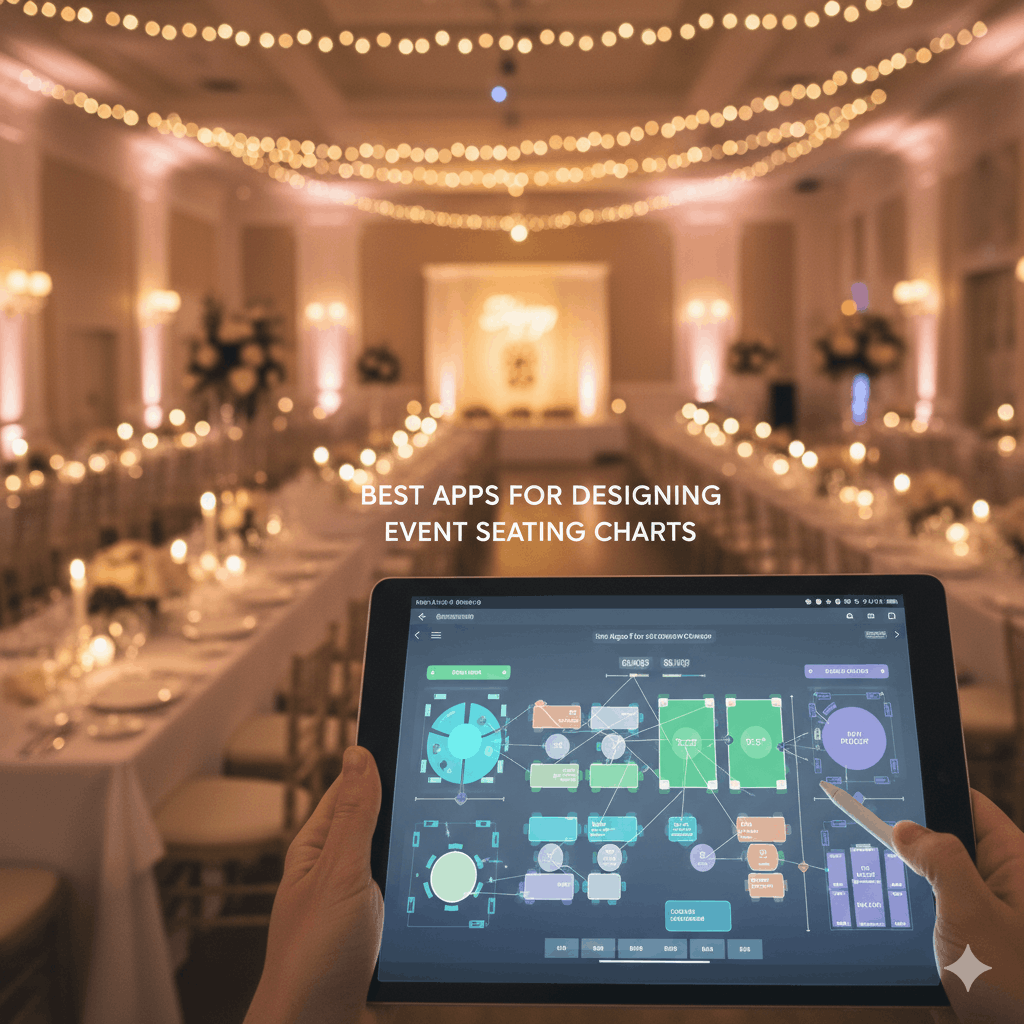
Planning an event means many details. Creating a perfect seating arrangement is crucial. This ensures smooth flow and guest comfort. Gone are the days of paper and pencil. Today, powerful digital tools exist. They make event planning simple and effective. This guide explores the best apps for designing event seating charts. We will help you find the right solution. You can optimize your next event’s layout with ease.
Why Use Digital Seating Chart Software?
Digital seating chart software offers huge advantages. It saves valuable time for planners. Manual errors are greatly reduced. You can easily drag and drop elements. Tables, chairs, and stages move freely. This helps visualize your entire venue layout. Real-time adjustments become simple. Guest lists can be imported seamlessly. Furthermore, you can export professional floor plans. These tools ensure every detail is perfect. They provide precision and flexibility for any event.
Top Seating Chart Design Solutions for Every Event
Many excellent tools are available. Each app offers unique strengths. Some are great for small gatherings. Others handle large-scale conferences or concerts. Consider your specific event needs. Look for features like drag-and-drop interfaces. Guest list integration is very important. Also, check for venue customization options.
- Social Tables: A popular choice for large events. It offers robust tools for diagrams and guest management.
- Allseated: Known for its 3D visualization capabilities. You can walk through your venue virtually.
- GigaTrak: Provides specialized tools for equipment and asset tracking. Useful for complex setups.
These tools offer strong standalone solutions. They cater to different event planning scales. Explore their features to see what fits best.
WordPress Plugins: A Seamless Seating Chart Experience
For WordPress users, a plugin offers integration. This keeps all event data in one place. You manage everything from your dashboard. WordPress Seating Chart Plugin is an excellent option. It offers a visual drag-and-drop builder. Design tables, seats, and stages with ease. You can manage complex venues effortlessly. This plugin lets you create diverse layouts. It’s a powerful tool for any event website.
This integrated approach streamlines your workflow. It also prevents data silos. Your ticketing and seating can live together.
Advanced Features in Seating Chart Tools: Beyond the Basics
Modern seating chart apps do more than arrange chairs. They offer advanced features for complex needs. Look for options like “Sections Mode.” This helps divide large venues. General Admission (GA) areas are also crucial. They let you define standing or open zones. The best apps allow blocking individual seats. This is great for accessibility or technical areas. QR Code ticket scanning simplifies entry. It makes guest check-in efficient. Import/export layouts save time. They allow quick setup of similar events.
These advanced features truly empower event managers. They provide maximum flexibility.
Choosing Your Ideal Event Seating Planner App
Selecting the best app depends on your needs. Consider your event size. Think about your budget and technical skills. Do you need basic arrangement or advanced features? For WordPress sites, integration is key. A plugin like WordPress Seating Chart Plugin excels here. It offers a comprehensive solution. Remember to prioritize ease of use. A user-friendly interface saves time. Also, look for good support and regular updates. This ensures your tool remains reliable.
Ready to Master Your Event Layouts?
Don’t let seating arrangements be a source of stress. With the right app, it can be simple and enjoyable. Elevate your event planning with precision and flexibility. woocommerce is needed for it
Ready to Keep 100% of Your Ticket Sales?
The Live Event Seating Plugin integrates with WooCommerce, giving you a powerful seating chart builder with zero per-ticket fees.