


The Problem: One Ticket, Three Guests, Two Turned Away
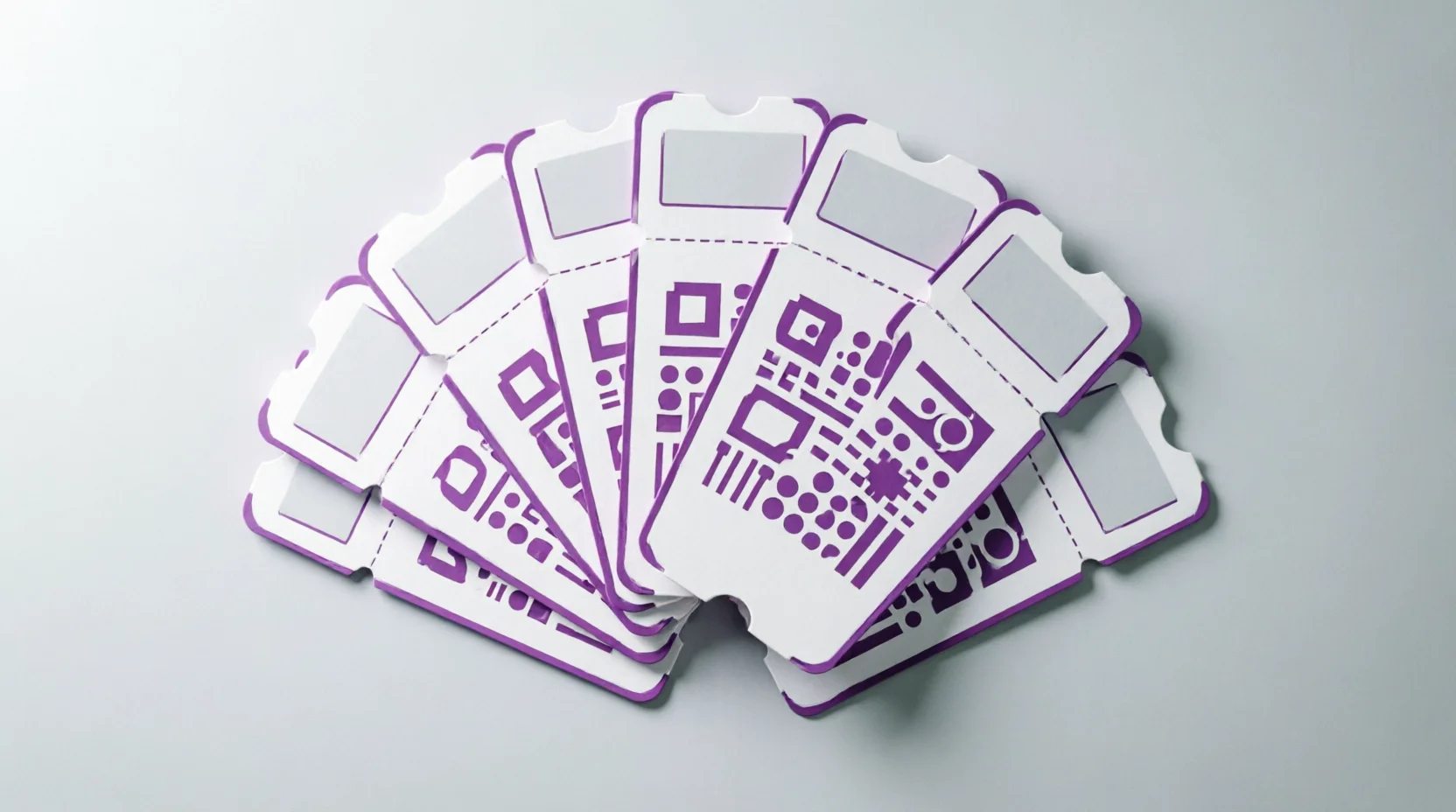
Picture this: a family of four buys tickets to your sold-out concert. The parent who placed the order forwards the single QR code to everyone. The first guest arrives, scans in smoothly, and heads to their seat. Then the second guest shows up. The scanner flashes red: “Ticket Already Used.” The third guest is waiting in line behind them.
This isn’t a hypothetical. It’s one of the most common support tickets event organizers face when using a single master QR code per order. When groups arrive separately — which, in real life, they almost always do — the first scan invalidates the ticket for everyone else in that order.
The result? Frustrated guests, stressed-out door staff, and a check-in experience that reflects poorly on your event, no matter how great the show itself is.
We heard you. And we fixed it.
The Solution: Two QR Code Modes, Built for Real-World Events
With the latest update to Live Event Seating, you now have full control over how tickets are generated for multi-seat orders. The plugin introduces a new QR Code Mode setting with two options:
- One QR per Order (Master Code) — The original behavior. A single QR code covers every seat in the order. This remains the default setting for full backward compatibility.
- One QR per Seat (Individual Ticket Codes) — A brand-new mode that generates a unique QR code and a unique ticket code (for example,
LESS-142-7-3841) for every single seat in the order.
Switching between the two takes one click. No migration, no reconfiguration of your seating maps, no disruption to your existing events.
How It Works: Enabling Per-Seat Mode
Turning on per-seat QR codes takes less than a minute.
Step 1: Navigate to the Setting
In your WordPress dashboard, go to:
Live Event Seating → Settings → Ticket Display Options → QR Code Mode
Select “One QR per Seat (Individual Ticket Codes)” and save.
That’s it. From that moment forward, every new order will generate individual tickets for each seat.
Step 2: What Changes for the Customer
Once per-seat mode is active, the customer experience shifts in several visible ways — all of them improvements.
- Thank You Page: Instead of a single shared ticket, the post-purchase Thank You page displays individual ticket cards — one per seat. Each card shows its own QR code, ticket code, seat number, and event details.
- Order Confirmation Email: The email now includes individual QR codes per seat rather than one shared code. Each guest can screenshot or print their own ticket without worrying about sharing a single image.
- PDF Attachment: The downloadable PDF contains one ticket page per seat, with proper page breaks. Guests can print the whole file and hand out physical tickets, or forward individual pages.
- Wallet Passes: Apple Wallet and Google Wallet passes are generated per seat, so each guest can add their own pass to their phone independently.
- Ticket Transfers: When a seat is transferred to another person, the system automatically generates a new unique code for the transferred seat. The original code is invalidated, keeping your check-in data accurate.
Step 3: The Check-In Experience
At the door, the scanner validates each seat independently. Scanning the QR code for Seat A checks in only Seat A. The QR code for Seat B remains valid and untouched until its holder arrives.
No more “Ticket Already Used” errors. No more awkward conversations at the entrance. Each guest’s arrival is tracked separately, giving you a real-time picture of who’s in the building.
For Event Organizers: Better Visibility, Better Control
Per-seat QR codes aren’t just a customer-facing improvement — they give venue managers and event organizers significantly more operational control.
Individual Check-In Tracking
Every seat’s check-in status is tracked independently. You can see exactly which seats have been scanned, which are still pending, and which belong to no-shows. This data is invaluable for capacity planning, last-minute resale decisions, and post-event reporting.
Order Page Summary
On the WooCommerce order page, admins now see a clear summary of all seat codes and their current check-in status. No more digging through PDFs or emails to figure out whether a specific seat has been used.
Resend Tickets Per Seat
The “Resend Ticket” action has been updated for per-seat mode. If a guest reports a lost ticket, you can resend that specific seat’s ticket without disturbing the codes for the rest of the order.
Cleaner Reporting
Because each seat has its own lifecycle, your analytics become more granular. You can measure actual attendance rate per order, identify patterns in no-shows, and make data-driven decisions about overbooking policies.
Backward Compatibility: Nothing Breaks, Nothing Changes Unless You Want It To
We know that many of you have been running events with the master QR code model for months or years. You have printed tickets, sent emails, and trained staff around that workflow.
The new update is designed to leave all of that intact.
- The default setting is still “One QR per Order.” If you do nothing, your plugin behaves exactly as it did before the update.
- Existing orders are not affected. Switching to per-seat mode only applies to new orders placed after the change.
- Already-printed tickets remain valid. For existing orders, the first seat in the order reuses the original master ticket code. This means any physical tickets you’ve already distributed will still scan correctly at the door.
You can adopt per-seat mode on your own timeline — for your next event, your next season, or not at all. The choice is yours, and there is zero risk in updating.
Why This Matters for Your Event
The shift from one master QR code to per-seat QR codes might sound like a small technical detail. In practice, it solves one of the most visible and embarrassing problems in live event operations.
Consider the downstream benefits:
- Fewer support tickets from guests who can’t get in because someone else in their group scanned first.
- Faster check-in lines because door staff spend less time troubleshooting shared codes.
- Higher guest satisfaction because each person has their own ticket, their own wallet pass, and their own seamless entry experience.
- Better data for organizers who want to understand real attendance patterns.
For events where groups regularly arrive at different times — concerts, conferences, sports matches, theater performances, festivals — per-seat QR codes are no longer a nice-to-have. They’re a baseline expectation.
Get Started Today
The Per-Seat QR Code feature is available now in the latest version of Live Event Seating. To enable it:
- Update the plugin to the latest version.
- Navigate to Live Event Seating → Settings → Ticket Display Options → QR Code Mode.
- Select “One QR per Seat (Individual Ticket Codes)” and save.
- Place a test order to see the new ticket cards, email layout, and PDF output in action.
If you prefer to stick with the master code model for a particular event, simply leave the setting on “One QR per Order.” Both modes are fully supported, and you can switch between them at any time.
Questions?
If you run into any issues during setup or want guidance on which QR code mode best fits your event format, our support team is standing by. Reach out through the plugin support channel or visit the Live Event Seating documentation for step-by-step walkthroughs.
Upgrade today, and give every guest in every group their own ticket — the way it should have been from the start.
** Ready to elevate your event ticketing?**
Get Live Event Seating Pro and unlock manual order ticketing, the visual seat builder, QR check-in, and every Pro feature — in one plugin with zero per-ticket fees.