


Why Self-Hosting Is the Best Eventbrite Alternative for WordPress in 2026
👉 Quick math: Use our free Eventbrite Fee Calculator to see exactly how much you’d save.
If you’re searching for an Eventbrite alternative for WordPress, you’ve probably already found the usual roundups: Ticket Tailor, Luma, RSVPify, Zoho Backstage, Humanitix. Every one of them compares fees, free-tier limits, and integrations between SaaS platforms.
Here’s what none of them mention: you don’t have to pick another SaaS platform at all.
The Real Problem Isn’t Eventbrite’s Fees
Most “Eventbrite alternative” articles frame this as a pricing problem. Switch platforms, pay less per ticket, done.
But the fee is just a symptom. The actual issue is that Eventbrite — and every platform on those comparison lists — owns the relationship. They own the event page URL. They hold your payout on their schedule. They sit between you and your customer’s email address. Switching from Eventbrite to Ticket Tailor or Luma doesn’t fix that. It just changes which company owns it.
There’s a third option those lists structurally can’t include, because it’s not a SaaS platform: a self-hosted Eventbrite alternative for WordPress, running through your own site.
SaaS Alternatives vs. a Self-Hosted Eventbrite Alternative for WordPress
Here’s how the usual SaaS options compare to each other on paper:
- Ticket Tailor — flat per-ticket fee instead of a percentage, free under a few thousand tickets a year
- Luma — clean attendee experience, small percentage per paid ticket
- RSVPify — subscription tiers, strong for private guest-list management
- Humanitix — percentage-based, profits redirected to charity
Each of these genuinely improves on Eventbrite’s fee structure. But look at what stays the same across all of them: your event still lives on their domain. Your payout still runs on their schedule. Your customer list still lives inside their dashboard until you remember to export it.
A self-hosted setup on WordPress, built on top of WooCommerce, flips all three:
- Your domain, your SEO. Every event page builds authority for your own website, not someone else’s marketplace.
- Instant payout, not a payment queue. Money goes straight into your existing WooCommerce/Stripe setup — no waiting on a platform’s weekly transfer.
- You own the customer list from the first sale. No exporting, no platform-imposed limits on how you contact your own buyers.
The Honest Trade-Off
Self-hosting isn’t the right call for everyone, and it’s worth saying so plainly.
If you’re relying on Eventbrite’s or Luma’s built-in event marketplace to get discovered by strangers browsing “things to do this weekend,” self-hosting won’t replace that. You lose the marketplace traffic.
A self-hosted Eventbrite alternative for WordPress makes the most sense if you already bring your own audience to the table — a venue with a regular crowd, a business with a mailing list, a recurring event with returning attendees. If that’s you, a SaaS platform’s marketplace was never doing much for you anyway, and you’re paying fees for a discovery feature you don’t really use.
What a Self-Hosted Eventbrite Alternative for WordPress Looks Like in Practice
On WordPress, this means installing a plugin that connects your seating chart or ticket types directly to WooCommerce — the checkout you (or your developer) already control.
Live Event Seating is built specifically for this. And compared to what you’d actually pay across a year of Eventbrite fees — or even a “cheap” SaaS alternative charging per ticket — it’s hard to find a more affordable way to get this level of feature depth:
- A real drag-and-drop visual seat map — not just a ticket-quantity selector. Circle tables, curved theater rows, multi-section venues (balcony, orchestra, VIP), freeform standing areas. Most SaaS alternatives on the usual comparison lists don’t offer visual seat selection at all; they’re built around ticket tiers, not an actual venue layout.
- Whole-table booking for galas and corporate sponsors — one click books all 10 seats, instead of forcing buyers to select chairs one at a time.
- QR code check-in with an offline scanner, Apple Wallet / Google Wallet passes, and a centralized booking manager dashboard — event-day tools that SaaS platforms typically gate behind their most expensive tier, or don’t offer at all.
- Waitlists that auto-notify the next buyer the moment a seat frees up, seat transfer, group booking with an auto seat picker, and seat/table add-ons for upselling food and drink packages at checkout.
- The Events Calendar and Events Manager integration, so it slots into a WordPress setup you likely already run.
And the pricing reflects a one-time yearly plugin license, not a per-ticket toll:
| Eventbrite (300-seat sold-out gala) | Live Event Seating | |
|---|---|---|
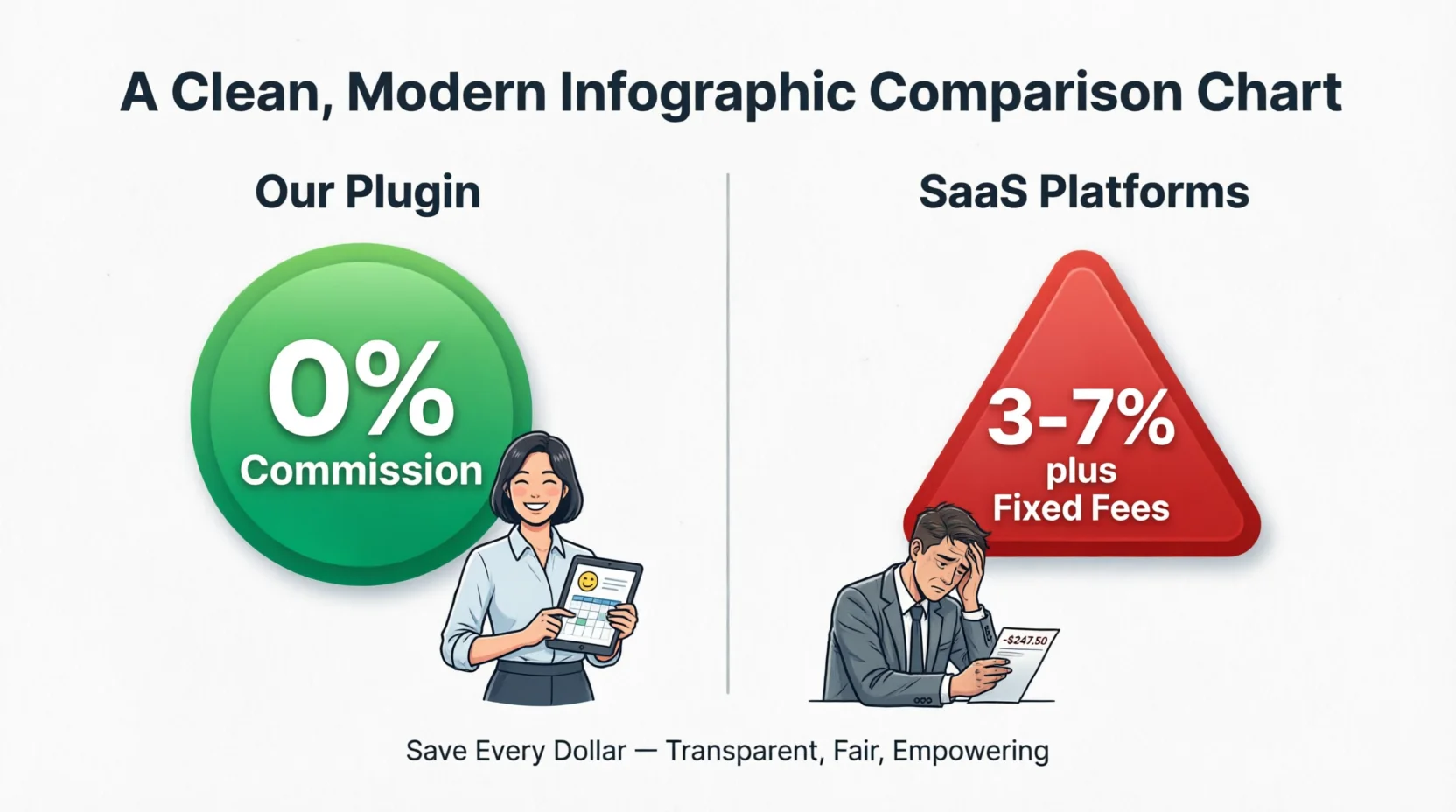
| Cost structure | 3.7% + ~$1.79/ticket + processing | Flat $49.99–$194.99/year |
| On a $50 ticket, 300 seats | Over $1,400 in fees alone | $49.99 total, regardless of seats sold |
| Payout timing | Platform’s schedule | Instant, via your own WooCommerce |
Even the top PRO tier ($194.99/year, unlimited sites) usually costs less than what a single mid-sized sold-out event loses to Eventbrite’s per-ticket cut — and after that one-time yearly fee, every additional event you run all year is free of platform commission.
Is a Self-Hosted Eventbrite Alternative for WordPress Right for You?
If you’re comparing options because the fees stung on your last event, ask yourself one question first: are people finding you through Eventbrite’s marketplace, or are they finding you through your own site, your email list, or your socials, and just checking out through Eventbrite?
If it’s the second one, you don’t need another SaaS platform charging you per ticket forever. You need a plugin that pays for itself on your very first event — take a look at Live Event Seating’s full feature list and pricing to see what fits your venue.
Frequently Asked Questions
Is there a free Eventbrite alternative for WordPress?
Yes. Live Event Seating has a free Lite version on WordPress.org that lets you build and display a seating chart. Upgrading to a paid plan adds WooCommerce ticket sales, QR check-in, and the other event-day tools.
Can I sell tickets without paying Eventbrite-style fees?
Yes, by connecting ticket sales to your own WooCommerce checkout instead of a third-party marketplace. You pay a flat plugin license instead of a percentage or per-ticket fee.
Does WooCommerce work as a full ticketing platform?
Yes, when paired with a plugin like Live Event Seating that adds seat maps, ticket generation, QR check-in, and seat locking on top of WooCommerce’s existing checkout and payment processing.
Want to see the flat-fee math laid out in more detail? Read our full Eventbrite fee breakdown.
See Your Exact Savings
Plug your numbers into the Eventbrite Fee Calculator and see the annual gap. Then compare it to Live Event Seating — $194.99/year, 0% commission, unlimited tickets.
For a complete feature and fee comparison, see: Live Event Seating vs Eventbrite →